
Angle
Key Features
- Tilt EQ with -18 dB to +18 dB range and fixed 650 Hz pivot frequency for broad tonal shaping
- OpAmp analog emulation mode adds subtle harmonic distortion and vintage warmth derived from HoRNet AnalogStage
- Input and output auto-gain referenced to 0 VU maintains consistent perceived loudness during adjustments
- Automatic oversampling adapts to your DAW's sample rate to minimize aliasing artifacts
- Available in VST 2.4, VST3, AU, and AAX formats for broad DAW compatibility
- Supports both 32-bit and 64-bit plugin hosts on macOS and Windows
Description
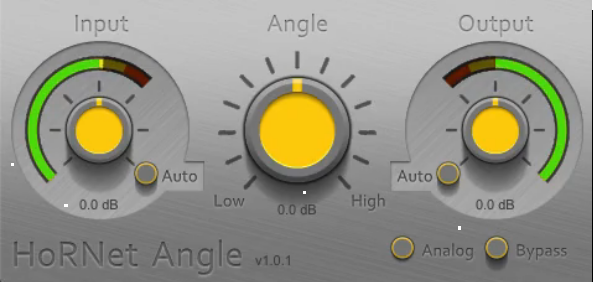
HoRNet Angle is a tilt EQ plugin that shifts the overall tonal balance of a track with a single control. The Angle knob rotates the frequency spectrum around a fixed 650 Hz pivot point, boosting highs while cutting lows (or vice versa) for fast, musical tone shaping.
The plugin covers a generous range of -18 dB to +18 dB of tilt, which is wide enough for both subtle mastering corrections and dramatic sound design moves. An OpAmp analog emulation mode, derived from HoRNet's AnalogStage plugin, adds harmonic saturation that thickens the signal with vintage-style warmth when engaged.
Input and output auto-gain controls referenced to 0 VU keep perceived loudness consistent while you sweep through different tilt settings. This avoids the common louder-sounds-better trap that plagues many EQ plugins.
Automatic oversampling adjusts internally based on your DAW's sample rate, keeping aliasing artifacts to a minimum without any manual configuration. The interface is intentionally minimal, with just the tilt knob, gain controls, and peak meters visible at all times.
Angle works well on individual tracks for brightening dull guitars or warming thin vocals, and it is equally effective on the mix bus for last-minute tonal corrections before export.
Video Preview


Frequently Asked Questions
What is a tilt EQ and how does HoRNet Angle work?
A tilt EQ rotates the frequency spectrum around a central pivot point. HoRNet Angle uses a fixed pivot at 650 Hz, so turning the knob clockwise boosts everything above 650 Hz while simultaneously cutting below it, and vice versa. This creates smooth, natural tonal shifts without the need to set individual frequency bands, Q values, or gain amounts.
What does the OpAmp analog emulation mode do?
The OpAmp mode adds subtle harmonic distortion modeled after HoRNet's AnalogStage plugin. When enabled, it introduces even and odd harmonics that thicken the signal and add vintage-style warmth. You can use it independently of the tilt EQ for pure saturation, or combine both for a colored tonal shift.
How does the auto-gain feature prevent loudness bias?
The input and output auto-gain controls are calibrated to 0 VU. When engaged, they compensate for the volume changes caused by boosting or cutting frequencies, so you hear the tonal difference rather than a loudness difference. This helps you make more accurate EQ decisions without falling into the louder-is-better trap.
Can the 650 Hz pivot frequency be changed?
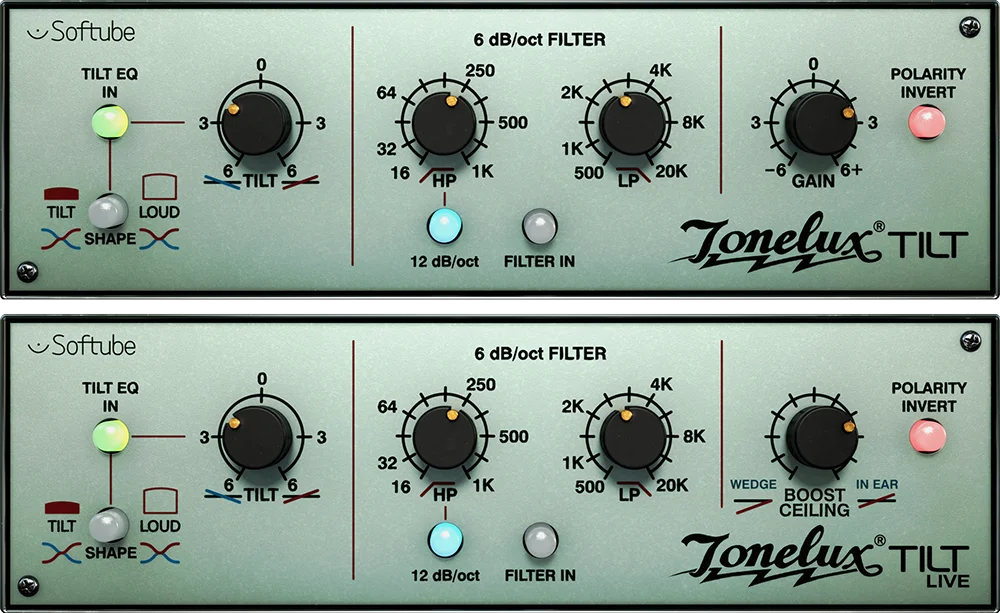
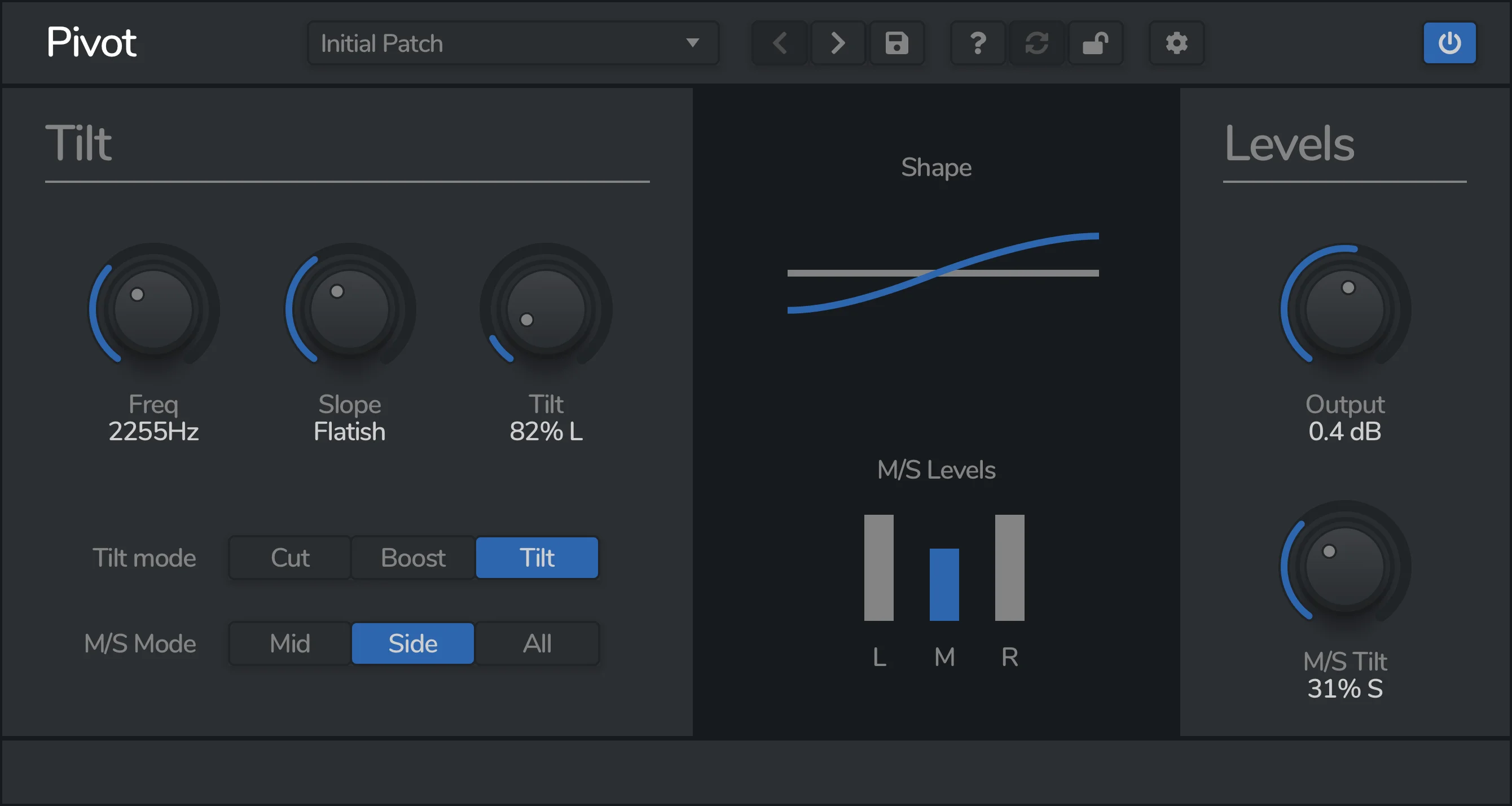
No, the pivot frequency in HoRNet Angle is fixed at 650 Hz and cannot be adjusted. This is a deliberate design choice that keeps the plugin simple and fast. If you need a tilt EQ with a movable pivot point, paid alternatives like Venomode Pivot or Softube Tonelux Tilt offer that flexibility.


