
GSnap
Key Features
- Automatic pitch correction with adjustable speed, amount, attack, and release for natural or hard-tuned results
- Fixed Scale mode with on-screen piano keyboard for selecting target notes in any key or scale
- MIDI mode for real-time pitch control via external MIDI keyboard or pre-programmed sequences
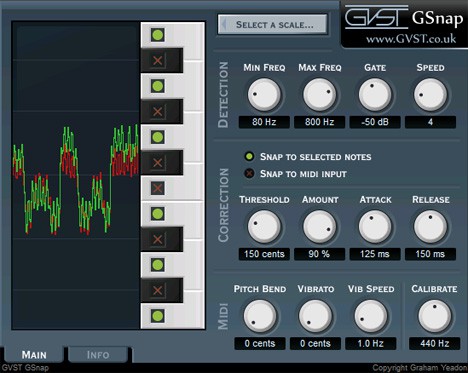
- Real-time pitch visualization showing original (red) and corrected (green) signal traces
- Configurable detection range with minimum and maximum frequency controls for accurate pitch tracking
- MIDI pitch bend and vibrato controls with up to 200 cents range for expressive vocal manipulation
- Cross-platform support for Windows (32-bit and 64-bit), macOS (including Apple Silicon via Universal Binary), and Linux
Description
GSnap by GVST is an automatic pitch correction effect that runs as a VST plugin on Windows, macOS, and Linux. It detects the pitch of a monophonic input signal and snaps it toward user-defined target notes, producing anything from subtle vocal touch-ups to the hard-tuned robotic effect made famous by T-Pain and Cher.
The plugin offers two correction modes. Fixed Scale mode locks incoming notes to a user-selected scale via an on-screen piano keyboard, while MIDI mode snaps pitch to whichever notes are being held on a MIDI controller or sequence in real time.
Twelve knobs handle detection and correction parameters including minimum and maximum frequency range, gate threshold, correction speed, amount, attack, and release. A real-time pitch display shows the original signal as a red trace and the corrected output in green, providing immediate visual feedback.
MIDI mode adds pitch bend and vibrato controls with a range of up to 200 cents, and a vibrato speed knob for expressive vocal manipulation. The calibrate control lets you match non-standard tuning references, defaulting to A=440 Hz.
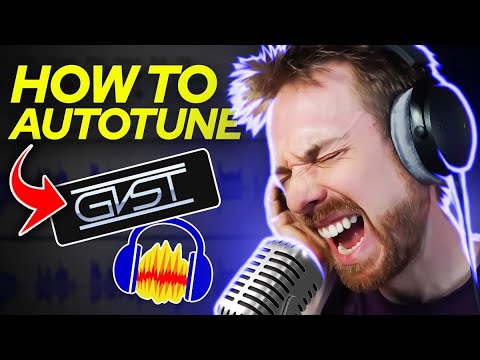
GSnap has been a staple recommendation on Reddit and KVR Audio forums for years, frequently cited alongside Graillon as one of the first free pitch correction tools producers reach for. Integraudio's in-depth YouTube review highlights its simplicity and effectiveness for basic vocal tuning tasks.
Video Preview

Frequently Asked Questions
What are the best GSnap settings for natural-sounding vocal correction?
For subtle, natural correction, set the Amount to around 60-80%, use a moderate Attack (10-30ms) so the pitch shift ramps in gradually, and select only the notes in your song's key using Fixed Scale mode. Keep the Gate high enough to ignore background noise and set the Threshold to 100 cents for standard scales.
How do I use GSnap in MIDI mode for creative vocal effects?
Switch to MIDI mode and route a MIDI track to GSnap in your DAW. Play or program the notes you want the vocal to snap to, then push the Threshold up so GSnap forces any pitch to your played notes. This lets you create harmonies, fit vocals to a new melody, or produce robotic stacked vocal effects.
Does GSnap work on polyphonic audio like chords or guitars?
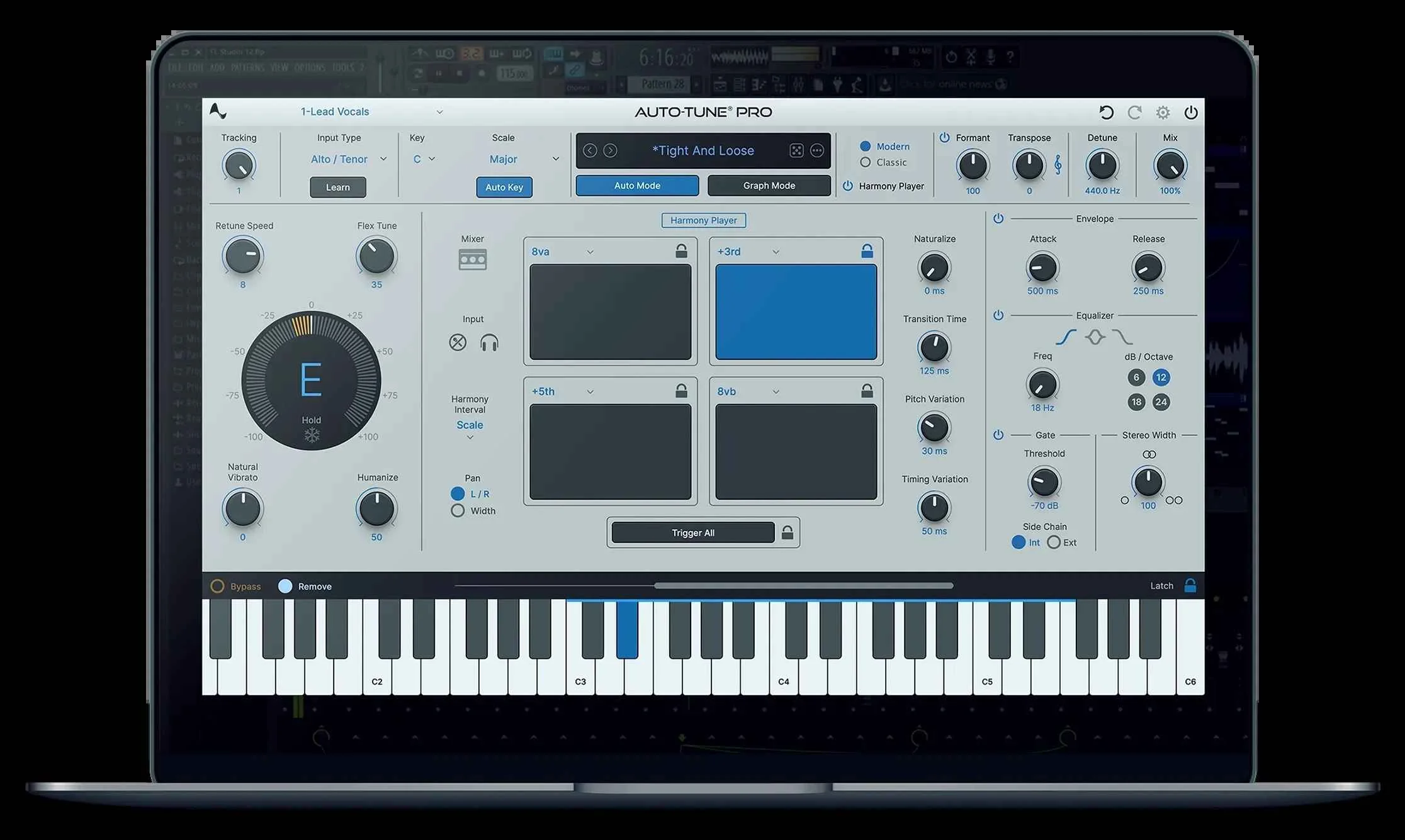
No, GSnap is designed for monophonic input signals only, such as vocals, brass, or monosynths. It cannot separate or correct individual pitches within a chord. For polyphonic pitch correction you would need a tool like Melodyne or Auto-Tune Pro's Graph mode.
What is the difference between GSnap and Graillon FE?
GSnap focuses on classic automatic pitch snapping with MIDI control, while Graillon FE adds pitch shifting, formant shifting, and built-in effects like compression and chorus. GSnap is lighter weight and simpler to configure, making it a good choice when you only need straightforward pitch correction or the T-Pain effect.


