LABS Classic Synths
Key Features
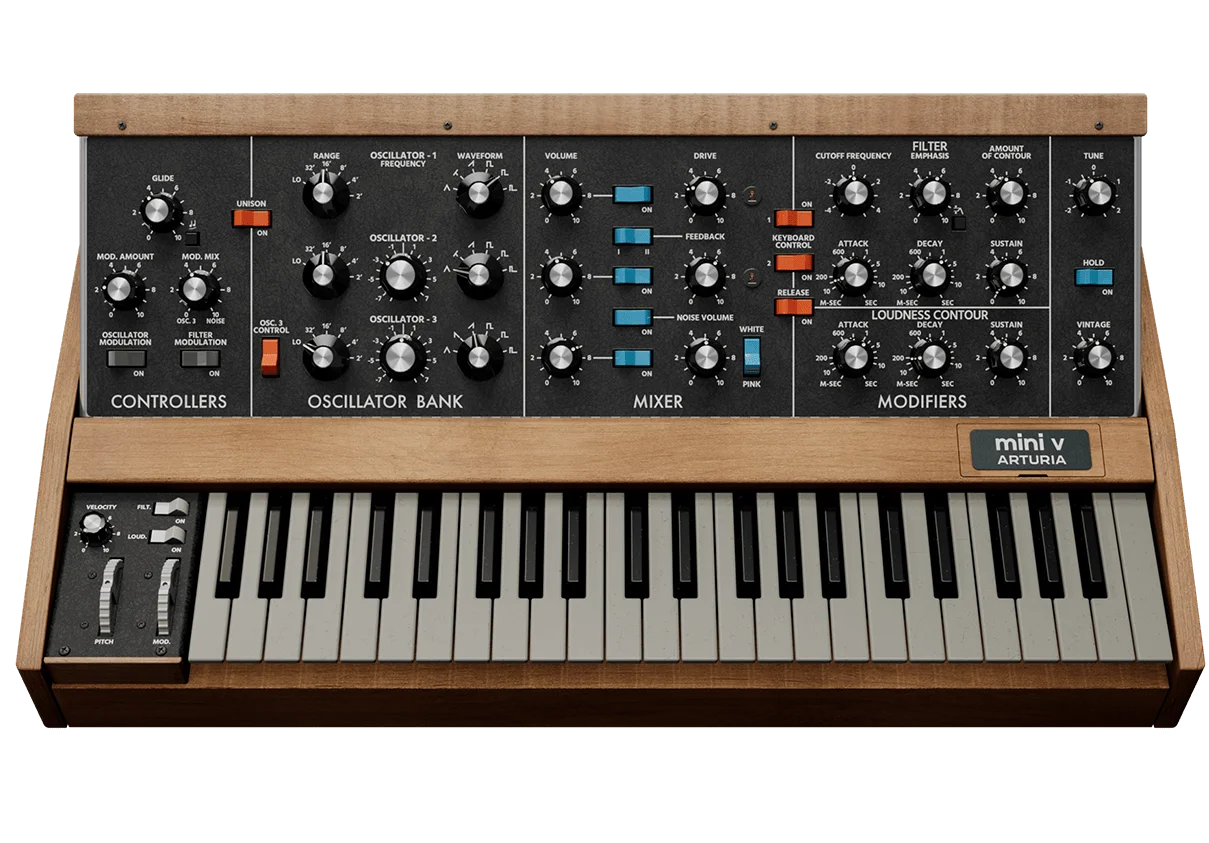
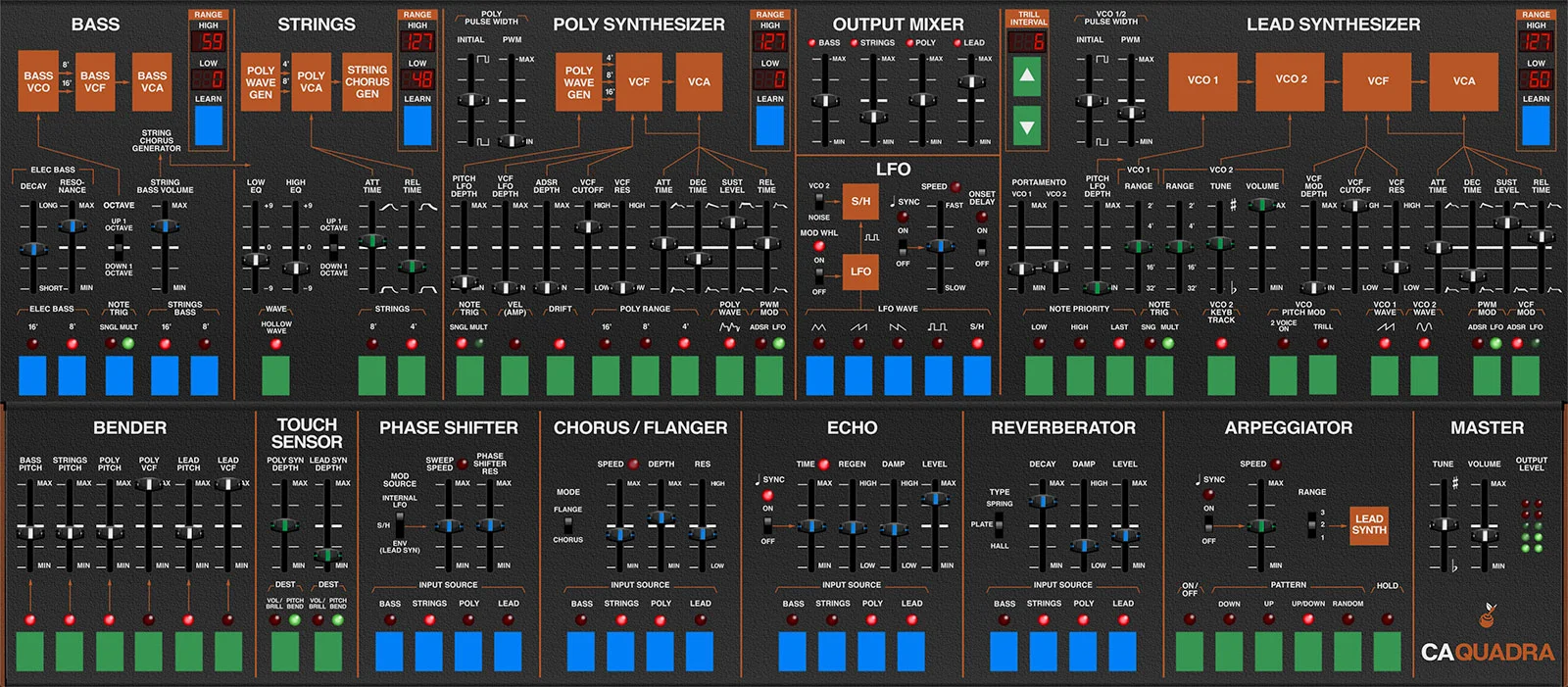
- Four sampled vintage synthesizers in one instrument: Moog Minimoog, ARP Quadra, Sequential Pro-One, and Roland Juno-60
- Warm, drifting analog pads with natural movement and instability captured from the original hardware
- Rich, full-bodied bass patches with genuine low-end weight and harmonic complexity
- Snappy, characterful pluck sounds well suited for arpeggiated sequences and rhythmic patterns
- Streamlined interface with filter cutoff and reverb controls for quick sound shaping
- Runs inside the lightweight LABS plugin with low CPU and RAM demands
- Native Apple Silicon support alongside Intel Mac and Windows 64-bit compatibility
Description
LABS Classic Synths is a sample-based instrument from Spitfire Audio that captures the sound of four iconic vintage analog synthesizers: the Moog Minimoog, ARP Quadra, Sequential Pro-One, and Roland Juno-60. Each instrument was carefully recorded and packaged into the lightweight LABS plugin, giving you instant access to authentic analog character without any programming.
The collection excels at warm, unstable pads that ooze with movement and analog drift, making them a natural fit for downtempo, ambient, and chillwave production. Bass patches carry genuine weight and harmonic richness drawn directly from the original hardware, while the snappy, rubbery plucks beg to be fed through arpeggiators and step sequencers.
Sound design controls are intentionally minimal, limited to a filter cutoff knob and a reverb send. This stripped-back approach keeps the focus on the raw character of the source recordings rather than endless tweaking, and it makes the plugin immediately playable for producers at any experience level.
LABS Classic Synths runs inside the dedicated LABS plugin, which supports VST, VST3, AU, and AAX formats on both macOS and Windows in 64-bit hosts. Apple Silicon is natively supported, and the download size is modest enough to install alongside the rest of the LABS library without taxing your storage.
Video Preview


Frequently Asked Questions
How do I install LABS Classic Synths?
You need to install the LABS plugin first through the Spitfire Audio app, then download the Classic Synths pack from within LABS. The pack appears as a preset library inside the LABS instrument, not as a separate plugin.
Can I adjust individual parameters of each sampled synth?
Sound design options are intentionally limited to a global filter cutoff and reverb send. There are no per-oscillator controls or synthesis parameters, since LABS uses recorded samples rather than real-time synthesis.
Does LABS Classic Synths work with Splice INSTRUMENT?
Yes. Spitfire Audio migrated LABS into Splice INSTRUMENT, so Classic Synths is available through both the original LABS plugin and the newer Splice INSTRUMENT platform with additional presets and content.
What genres work best with the Classic Synths presets?
The pads suit downtempo, ambient, chillwave, and lo-fi hip-hop particularly well. The bass sounds work across house, synthwave, and electronic genres, while the plucks lend themselves to sequenced patterns in almost any tempo-driven style.