
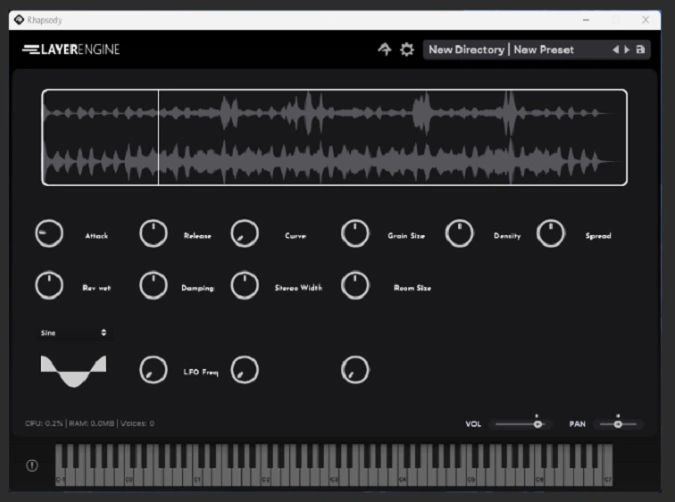
Layer Engine
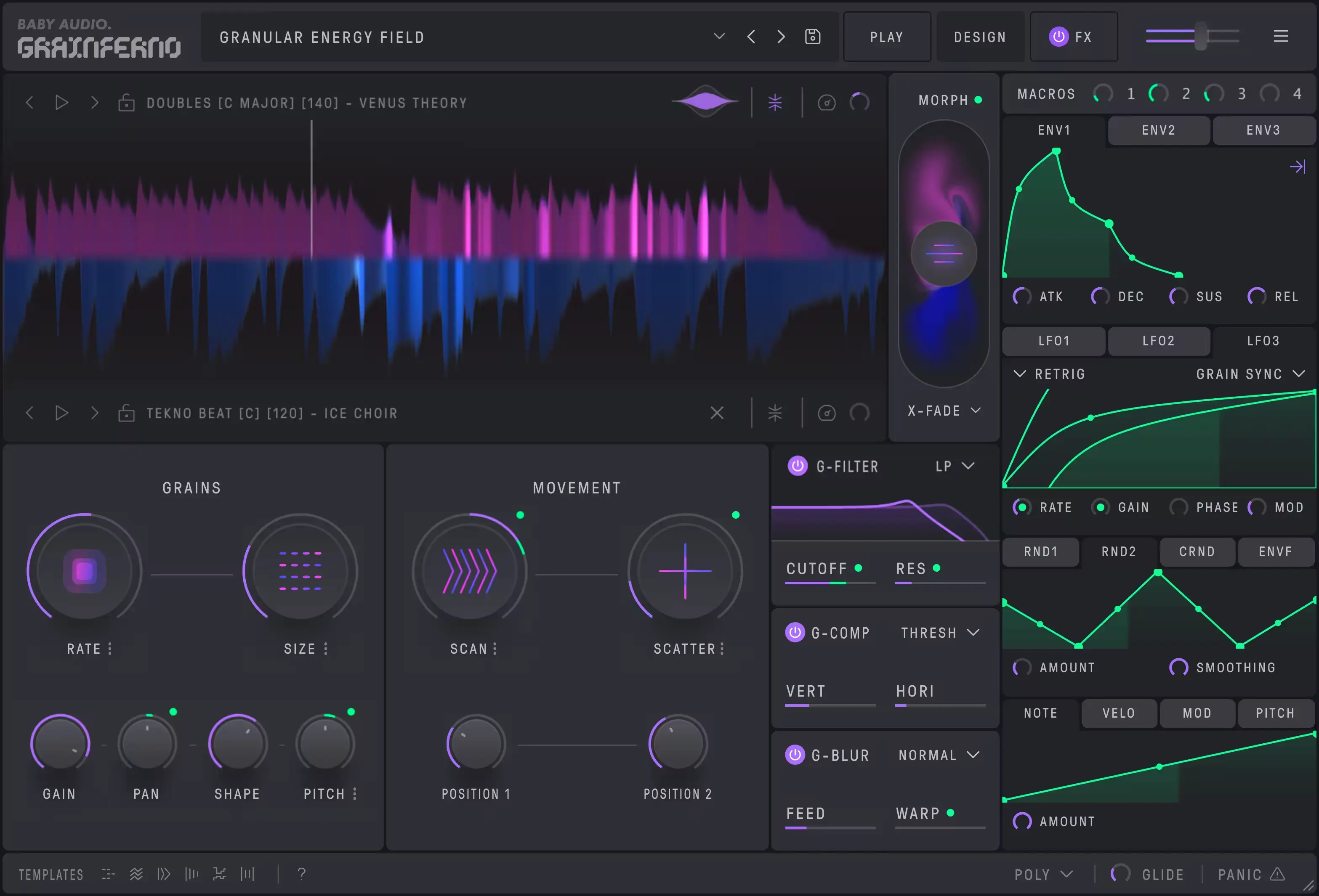

Key Features
- Two sample loop players with drag-and-drop import and interactive waveform display for precise loop-region selection
- Two granular engines with independent grain size, density, and spread controls per engine
- Two digital oscillators for layering classic waveforms underneath granular textures
- Per-layer parametric EQ, spectrum analyzer, and AHDSR amplitude envelope for detailed sound shaping
- Built-in reverb for adding space and depth directly within the instrument
- Cross-platform standalone and plugin support (VST3, AU) for Windows, macOS, and Linux
- Open-source GPLv3 license, built with HISE and exported for the Rhapsody player
Description
Layer Engine is a six-voice granular instrument built on the open-source HISE framework and loaded inside the Rhapsody player. It ships two independent sample loop players with drag-and-drop import, two dedicated granular engines, and two digital oscillators for blending classic waveforms underneath your samples.
Each granular engine provides per-grain control over size, density, and spread, plus an interactive waveform display for selecting custom loop regions. Every layer carries its own parametric EQ, spectrum analyzer, and AHDSR amplitude envelope, so you can sculpt and balance sounds before they reach the built-in reverb.
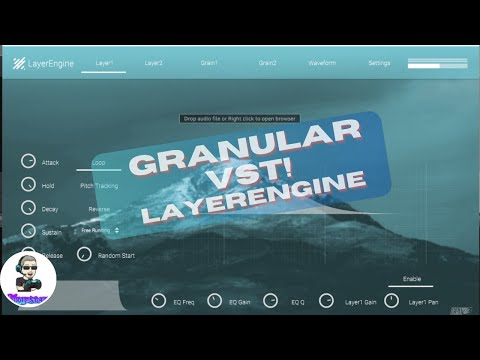
The plugin targets ambient producers and sound designers who want to craft evolving, organic pads and soundscapes by layering and granularizing field recordings, vocals, or synth textures. BPB described it as a "very powerful instrument" whose mountain-landscape GUI evokes the chill, atmospheric character it was designed to create.
Layer Engine runs as a standalone application or inside any VST3/AU host and is licensed under the GPLv3. The download from Gumroad is pay-what-you-want with no minimum, and includes both Layer Engine and a Layer Engine 2 early preview.
Video Preview

Tips
- Experiment with different grain sizes and densities to create unique textures.
- Use the parametric EQ to sculpt each layer and avoid frequency clashes.
- Utilize the AHDSR envelope to shape the dynamics of each layer.
- Blend classic waveforms with your samples for richer soundscapes.
- Take advantage of the drag-and-drop functionality for quick sample loading.
- Use the spectrum analyzer to monitor and adjust the frequency content of each layer.
- Customize the velocity mapping to create more expressive patches.
- Regularly check for updates to access new features and improvements.
Frequently Asked Questions
Does Layer Engine require the Rhapsody player to work?
Yes, Layer Engine is built with HISE and exported for the Rhapsody player. You need to install the Rhapsody player (available from librewave.com) to load Layer Engine as a VST3 or AU plugin inside your DAW.
Can I load my own samples into Layer Engine?
Yes, both sample loop players support drag-and-drop import. You can load any audio file and use the interactive waveform display to select custom loop regions for granular processing.
What is Layer Engine 2?
Layer Engine 2 is an early preview of the next version included in the download. It features an updated interface and runs on Rhapsody 2.3.3, but the developer notes it is still in active development.
Does Layer Engine support AAX or Pro Tools?
No, Layer Engine only supports VST3 and AU plugin formats. AAX (Pro Tools) is not supported. It also runs as a standalone application outside of a DAW.


