OverDubber 2
Description
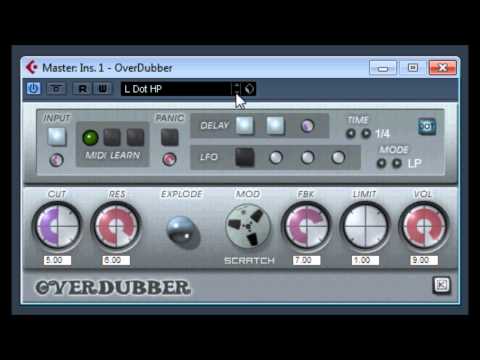
Remember, OverDubber 2 was primarily designed to create trippy delays out of the incoming audio, for example the end of reggae/Dub vocal phrases. For example, if the vocals say "Out to the beat!" and you want "Out to the Beat! Beat! Beat! Beat! Beat!" where that snippet modulates slowly into a trippy world of sounds. You get the drill right?
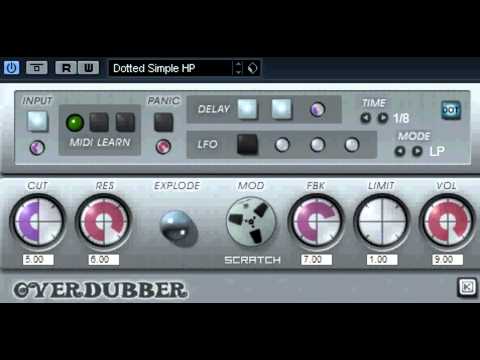
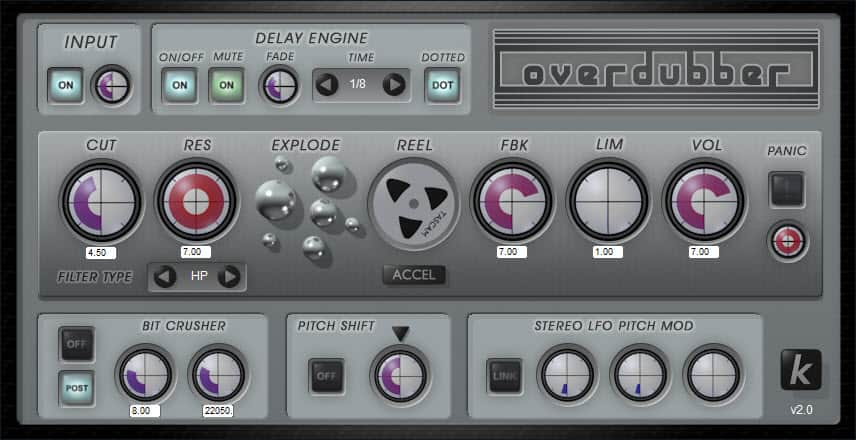
1) Automate the Delay Engine "MUTE" to open the incoming audio at a specific moment (example: end of a reggae vocal phrase) where you want the delay to start.
2) Automate the Delay Engine "ON/OFF" button to clean things up when you stop playing the project or move previous to the phrase you want repeated. Will be off most of the time, and go on a big earlier than the "MUTE" button to allow the engine to start without clicks.
3) The "Explode" button is your friend, it will allow you to keep the delay alive, otherwise it will behave more like normal delay. Automate it to be off all the time and turn it on where you want the delay to start feeding back constantly and onwards until you go off again when you want the delay to fade out.
4) Use the filter cut to slowly modulate the resonance as the delay repeats so it doesn't stay in one frequency. This will create trippy things!!.
Video Preview