
TAL-Tube

Key Features
- Tube saturation emulation with 4x oversampled processing for clean, alias-free harmonic generation
- Two tube circuit modes (soft and hard) for everything from subtle warmth to aggressive drive
- Dedicated amplifier mode that extends the plugin into full distortion territory
- Dry/Wet knob for easy parallel saturation without complex DAW routing
- Gain reduction display providing real-time visual feedback of saturation intensity
- Low CPU usage suitable for stacking multiple instances across a mix
Description
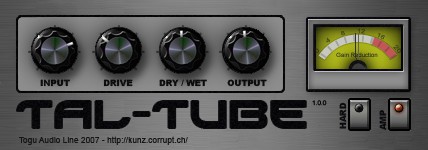
TAL-Tube by Togu Audio Line is a tube saturation plugin that emulates the harmonic distortion characteristics of vacuum tube circuits. It adds warmth, excitement, and analog character to digital instruments, drums, and vocals through 4x oversampled processing that keeps aliasing artifacts in check.
The plugin provides two distinct tube modes: a soft mode for subtle harmonic enhancement and a hard mode that pushes into more aggressive saturation territory. An additional amplifier mode extends the tonal range even further, letting you go from gentle coloration to gritty, full-blown distortion.
A built-in Dry/Wet knob makes parallel saturation straightforward without any extra routing in your DAW. The gain reduction display gives real-time visual feedback of how hard the signal is being driven, which helps keep the effect under control during mixing.
Producers on Reddit and in forums frequently mention TAL-Tube alongside CamelCrusher and Voxengo Tube Amp as a go-to coloring plugin for adding analog texture. Its low CPU footprint makes it practical to stack across multiple channels without bogging down a session.
TAL-Tube is available as VST and AU for macOS and Windows, with an additional 32-bit Windows build provided separately.
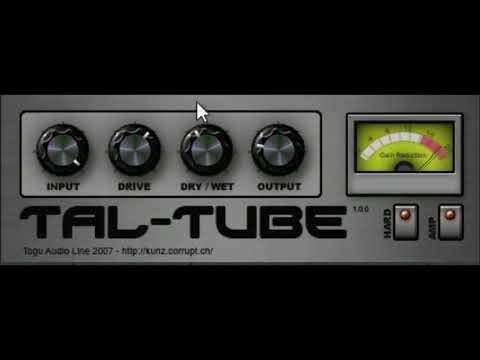
Video Preview

Frequently Asked Questions
What is the difference between soft and hard mode in TAL-Tube?
Soft mode emulates a gentler tube circuit that adds subtle even-order harmonics and warmth, ideal for transparent coloration on vocals and mix buses. Hard mode uses a more aggressive saturation curve that introduces more prominent odd-order harmonics, suitable for adding bite and edge to drums and synths.
What does the amplifier mode do in TAL-Tube?
The amplifier mode is a separate saturation algorithm that pushes the plugin beyond tube emulation into overdrive and distortion territory. It is useful for creative sound design applications where you want a more pronounced, grungy effect rather than subtle tube warmth.
How does TAL-Tube compare to Soundtoys Decapitator?
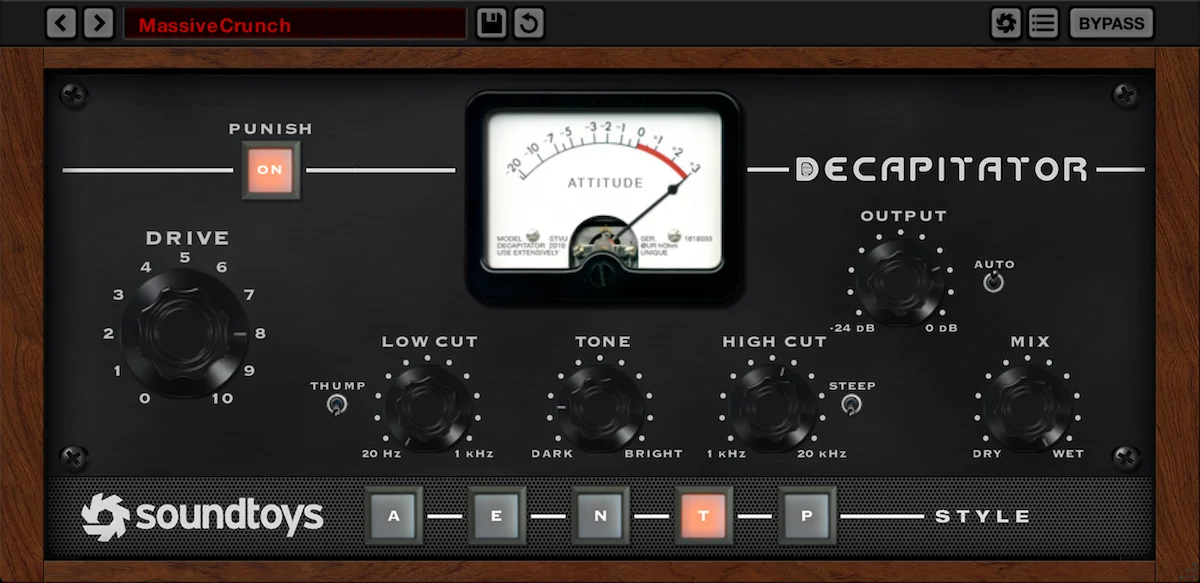
TAL-Tube focuses on straightforward tube saturation with a minimal interface, while Decapitator offers five different analog saturation models, a tone control, and a Punish button for extreme distortion. TAL-Tube covers the essentials of tube warmth and parallel saturation at no cost, whereas Decapitator provides more tonal variety and deeper control.
Can TAL-Tube be used for mastering?
Yes, many producers use TAL-Tube on the master bus with the Dry/Wet knob set low to add subtle harmonic richness and perceived loudness. The soft mode and parallel blending make it well-suited for transparent mastering saturation without overprocessing the mix.


