Tips
- Experiment with the randomization feature to quickly generate new and unique sounds.
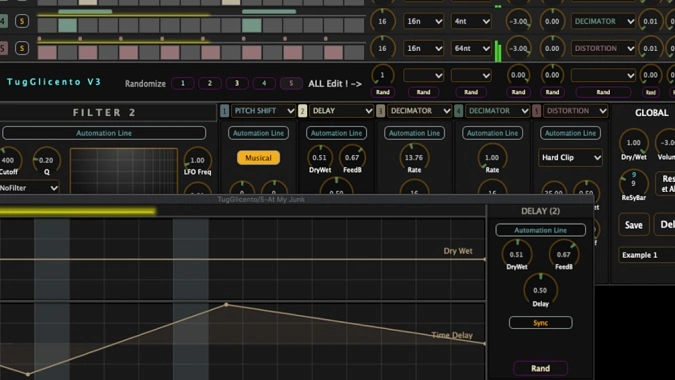
- Use the automation lanes to create dynamic changes in your effects over time.
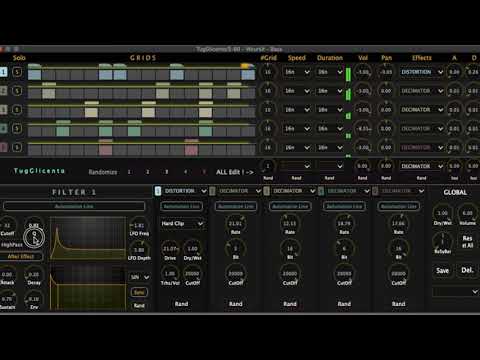
- Take advantage of the matrix-based interface to easily manage and combine multiple effects.
- Utilize the built-in presets as starting points and customize them to fit your specific needs.
- Apply the low pass filter to the distortion and decimator effects to achieve a smoother sound.
- Explore the new distortion rack to add more depth and character to your audio.
- Use the 5-band independent Moog filter to shape the sound of each band individually.
- Sync the LFOs to your project's tempo for rhythmic modulation effects.
- Adjust the variable speeds, beats, and durations for each line to create complex rhythmic patterns.
- Use the GUI improvements to navigate and control the plugin more efficiently.