
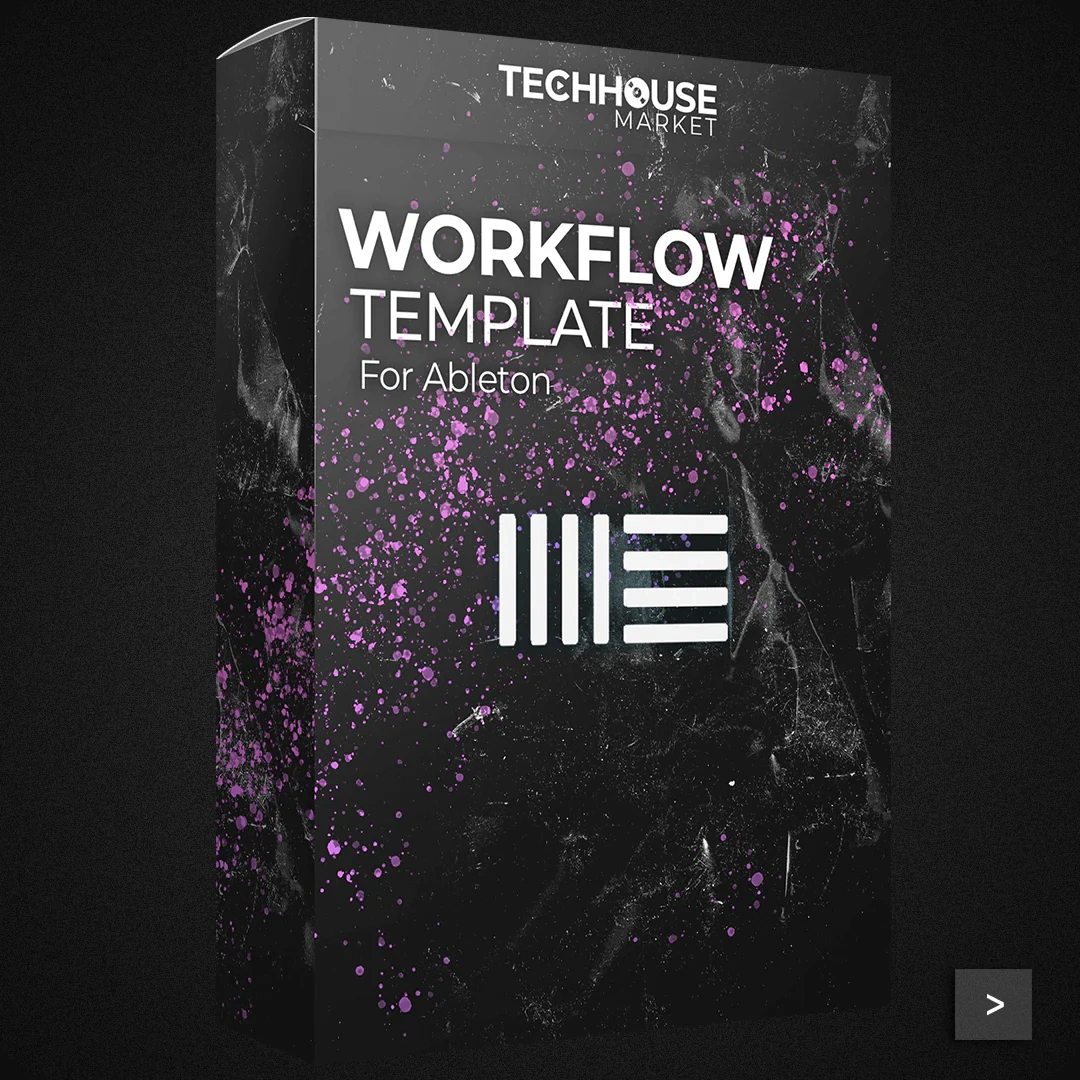
Workflow Template
Description
The Workflow Template by Techhouse Market is made for music producers who use Ableton Live.
This template is well-organized to make the music production process easier, providing a structured environment that boosts creativity and efficiency.
It includes pre-arranged tracks, color-coded sections, and essential routing configurations to help producers focus more on creating music rather than setting up their projects.
Key features of the template include:Pre-arranged Tracks: The template comes with pre-arranged tracks for drums, bass, synths, and effects.
Each track is labeled and color-coded for easy identification.
Routing Configurations: Essential routing configurations are already set up, including sidechain routing for dynamic mixing and group channels for better control over different sections of your track.
MIDI Clips and Samples: The template includes MIDI clips and samples that are ready to use, allowing producers to quickly lay down ideas and build upon them.
Effect Chains: Pre-configured effect chains are included on various tracks, providing a starting point for sound design and mixing.
Automation and Macros: Automation lanes and macro controls are set up to facilitate dynamic changes and quick adjustments during the production process.
Tips
- Customize Track Colors and Labels: While the template comes with pre-set colors and labels, take some time to customize these to match your personal workflow. This will make navigation even easier and more intuitive.
- Utilize the Pre-configured Effect Chains: Experiment with the pre-configured effect chains on different tracks. These chains are designed to enhance the sound quality and can be a great starting point for your own custom effects.
- Leverage the MIDI Clips: Use the included MIDI clips as a foundation for your tracks. You can modify them to fit your specific style or use them as inspiration for new ideas.
- Take Advantage of Automation: The template includes automation lanes that can add dynamic changes to your track. Use these to create movement and interest in your music.
- Save Your Own Presets: As you work with the template, save any custom presets you create for instruments and effects. This will help you build a library of sounds that you can quickly access in future projects.

![Melodic Techno[EP7] by Van Múrten](https://images.soundshockaudio.com/products/melodic-technoep7/thumb.webp)

