
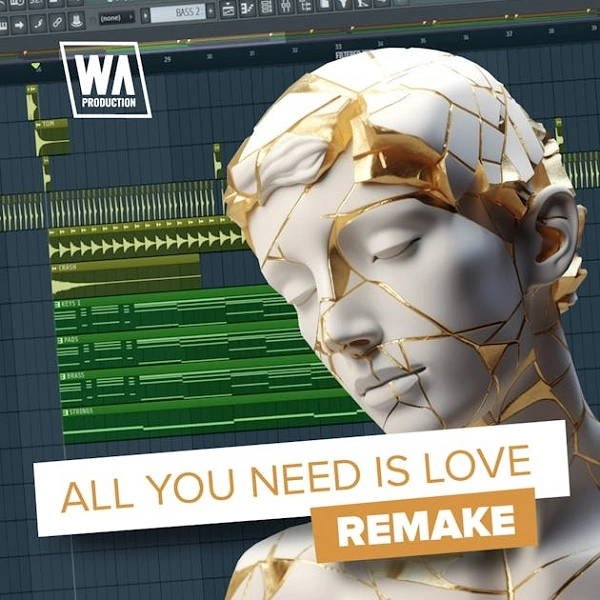
All You Need Is Love
Audio Preview
Key Features
- Complete FL Studio (.flp) project reconstructing the Nicky Romero, Jonas Blue & Nico Santos collab "All You Need Is Love"
- 15 high-quality royalty-free samples selected to match the emotional, melodic character of the original
- Lush pads, melodic leads, and punchy drums pre-mixed and processed for a polished, release-ready sound
- Sidechain compression and automation pre-configured, showing exactly how dynamics and movement are handled throughout the track
- Sound layering techniques demonstrated across all elements — study how depth and fullness are achieved
- Project organised for easy modification, suitable for producers at beginner to intermediate level
Description
All You Need Is Love is an unofficial FL Studio remake by WA Production, reconstructing the 2022 deep house/progressive pop collab by Nicky Romero, Jonas Blue, and Nico Santos as a 50 MB educational project file.
The template includes a fully arranged project with 15 high-quality royalty-free samples, organised to be accessible for both beginners and intermediate producers. All elements are laid out clearly so you can follow the structure and learn how each section of the track is built.
Instruments and effects span lush pads, melodic leads, and punchy drums, all pre-mixed and processed so the project sounds polished immediately on opening. The mix is designed to reflect professional release standards throughout.
Advanced production techniques — sidechain compression, automation, and layering — are applied throughout the arrangement. Studying each one in context gives you a practical, hands-on reference for applying these production methods more effectively in your own work.
Video Preview

Tips
- Customize the Melodies: The template comes with pre-made melodies that fit the love theme. Experiment with altering the MIDI notes to create your own unique melodies while maintaining the emotional tone of the track.
- Layering Sounds: Take advantage of the layered instruments in the template. Add or replace layers with your own sounds to create a fuller and richer mix. Pay attention to the frequency spectrum to ensure each layer complements the others.
- Automation Techniques: The template includes various automation clips for volume, panning, and effects. Study these automation clips to understand how they contribute to the dynamic flow of the track. Try creating your own automation to add movement and interest to your production.
- Mixing and Mastering: Although the template is pre-mixed and mastered, use it as a reference to practice your own mixing and mastering skills. Analyze the EQ, compression, and reverb settings used in the template and apply similar techniques to your other projects.
- Sample Replacement: The template includes 15 samples that are integral to the track's sound. Experiment with replacing these samples with your own to give the track a personal touch. Ensure that the new samples are in the same key and tempo to maintain the coherence of the track.
Frequently Asked Questions
Which version of FL Studio do I need to open this template?
The template is an FL Studio project (.flp) file and requires FL Studio 20 or later. Newer versions of FL Studio are fully backward-compatible with older project files, so FL Studio 21 will also open it without issues.
Does this template need any third-party plugins?
The project uses W. A. Production's royalty-free samples alongside FL Studio's native instruments and effects. No specific third-party synths are listed as required. If FL Studio prompts about missing samples on load, point it to the folder where you extracted the download.
Is this an official release by Nicky Romero, Jonas Blue, or Nico Santos?
No — this is an unofficial educational remake by W. A. Production, not affiliated with any of the original artists or their labels. It is intended purely as a learning resource for FL Studio producers.
How is this different from just listening to the original track?
Opening the .flp project lets you inspect every plugin, every automation clip, and every mixing decision directly inside FL Studio. You can solo individual elements, adjust parameters, and understand exactly how the arrangement and mix were built — something you cannot do from just listening.


