
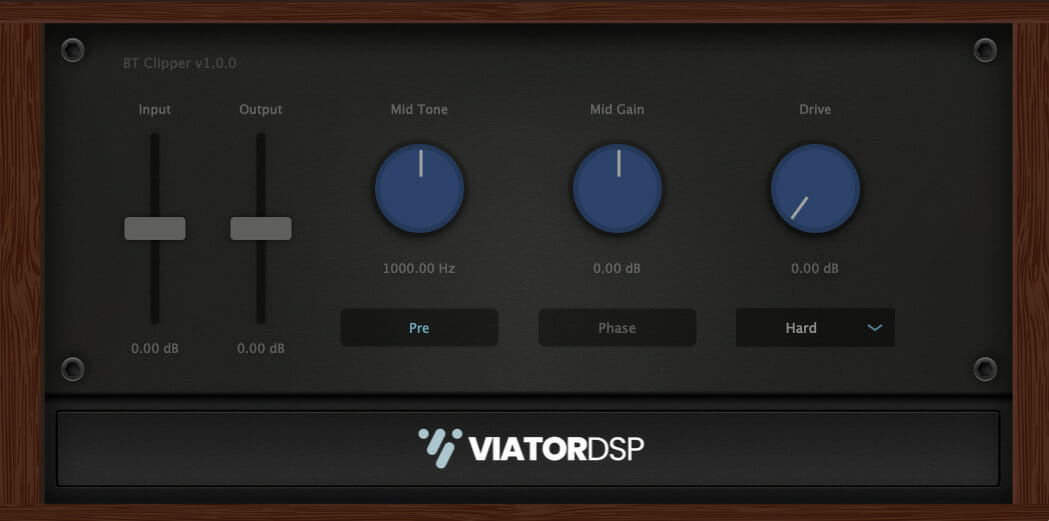
BT Clipper
Key Features
- Three clipping algorithms (hard, soft, and analog) for different saturation textures
- Dual mid-range tone control (300 Hz to 5 kHz) with pre- or post-clipping placement
- Quality toggle for 8X oversampling to minimize aliasing artifacts
- Adjustable ceiling lets you set an exact peak threshold for any track
- Drive control from 0 to 24 dB with auto-gain compensation
- Real-time waveform analyzer for visual monitoring of the clipped signal
- Wet/dry mix knob for parallel processing and subtle peak taming
Description
BT Clipper by Viator DSP is a clipper effect plugin designed to raise the apparent loudness of audio without pushing the meter above a user-defined ceiling. Version 2.1.0 is a complete ground-up redesign with improved DSP, cleaner metering, and optimized CPU performance.
The plugin offers three clipping algorithms: hard, soft, and analog. Hard clipping cuts peaks abruptly for an aggressive digital edge, soft clipping rounds the signal at the threshold for a smoother saturation-like result, and analog mode adds harmonic character that emulates the behavior of overdriven circuitry.
A standout feature is the dual tone control section with selectable mid-range frequencies between 300 Hz and 5 kHz. The tone knob can be placed either before or after the clipping stage, giving two distinct flavors of tonal shaping.
Pre-clipping tone colors the signal fed into the clipper, while post-clipping tone reshapes the harmonics generated by the distortion. This flexibility makes it easy to dial in everything from subtle warmth to aggressive mid-range bite.
The Drive control pushes up to 24 dB of gain into the clipping circuit, and a Quality toggle engages 8X oversampling to reduce aliasing at the cost of extra CPU. A built-in waveform analyzer shows the clipped signal in real time, making it easy to see exactly how much shaping is being applied.
BT Clipper works well in front of a limiter on the master bus, shaving a few dB of peaks before the final stage of loudness processing. It is also effective on individual drum tracks, bass, and vocals where peak reduction without obvious compression artifacts is needed.
Video Preview


Frequently Asked Questions
What is the difference between the three clipping modes in BT Clipper?
Hard clipping cuts the signal abruptly at the ceiling for a more aggressive, digital-sounding distortion. Soft clipping rounds the peaks smoothly, similar to tape saturation. Analog mode adds harmonic coloring that emulates overdriven analog circuitry, producing the warmest and most musical result of the three.
What is the best audio clipper plugin?
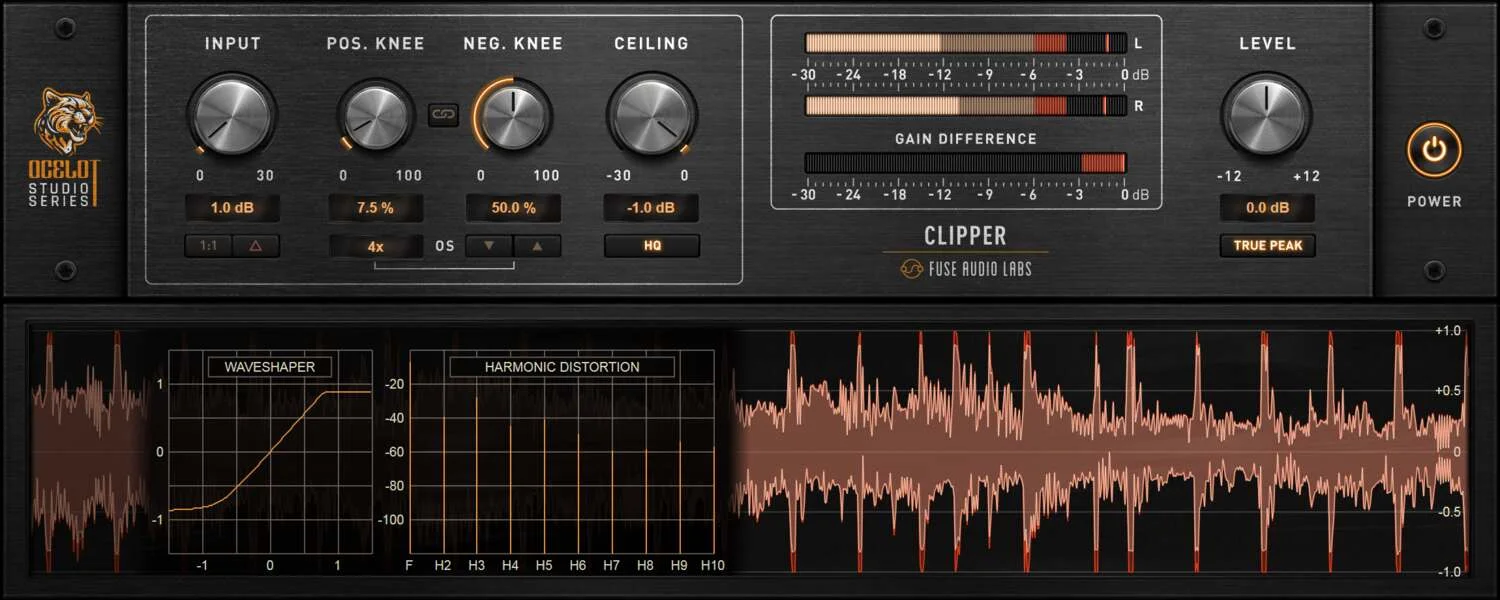
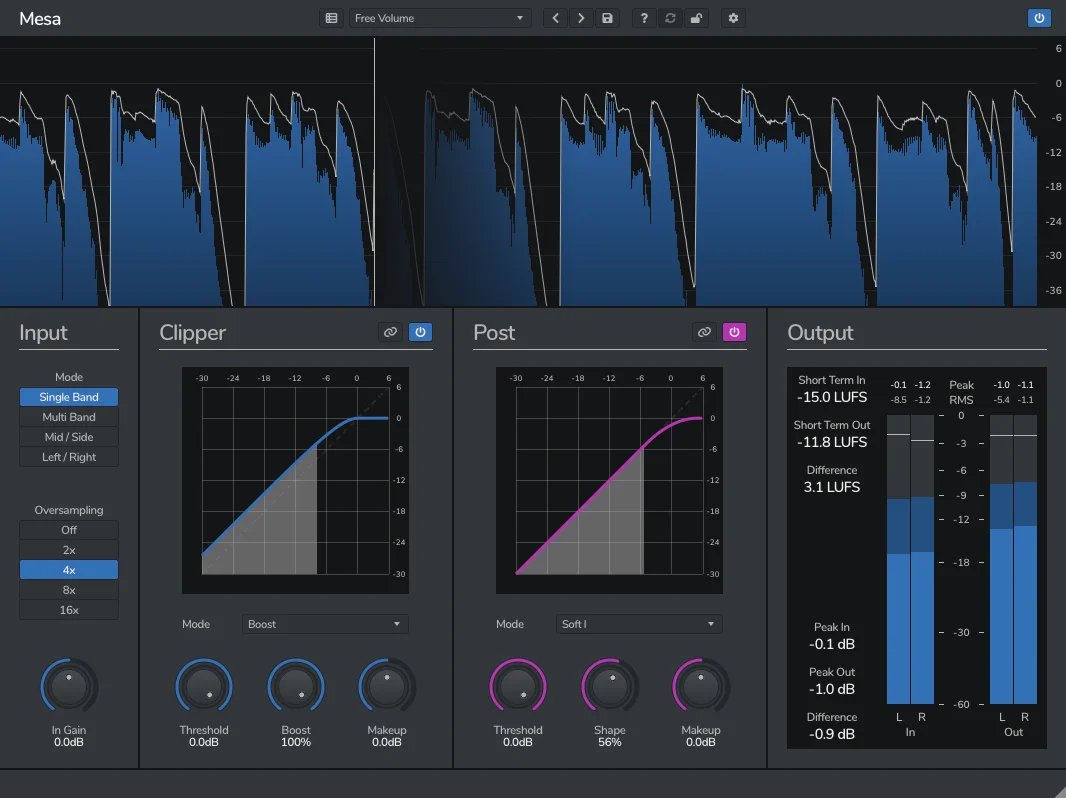
BT Clipper is widely regarded as one of the strongest options available at no cost, with a 5.0 rating on Plugins4Free and positive reception across forums. For paid alternatives with more advanced features like multiband clipping and mid/side processing, plugins like Fuse Audio Labs OCELOT Clipper and Venomode Mesa are popular choices among mastering engineers.
Does the limiter go before or after the clipper?
A clipper typically goes before the limiter in the signal chain. The clipper shaves off the loudest peaks first, reducing the dynamic range the limiter has to handle. This allows the limiter to work less aggressively, resulting in a louder and more transparent master.
What does the Quality toggle do in BT Clipper?
The Quality toggle enables 8X oversampling, which reduces aliasing artifacts caused by the nonlinear clipping process. This produces cleaner harmonic distortion at the cost of higher CPU usage. For critical mixing and mastering work, enabling high quality mode is recommended.


