Tips
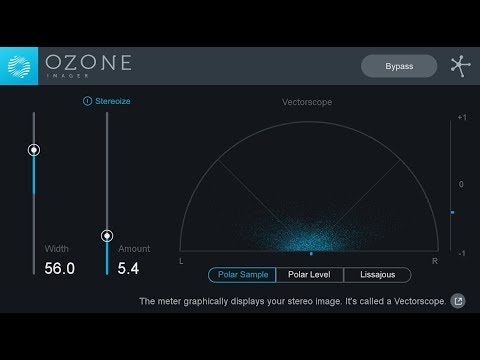
- Use the Vectorscope to monitor and adjust the stereo image of your mix.
- Apply Stereoize Mode to mono tracks to create a wider stereo effect.
- Adjust the width control to either widen or narrow specific elements in your mix.
- Utilize the Correlation Meter to ensure mono compatibility and avoid phase issues.
- Experiment with different vectorscope views to get the best visual feedback for your adjustments.
- Use the Stereoize algorithms to add subtle or intense stereo width to your tracks.
- Resize the plugin window to get a clearer view of the stereo image and make precise adjustments.
- Apply stereo widening to high-frequency elements like cymbals and synths while keeping low-frequency elements like bass and kick drums more centered.
- Regularly A/B your mix with and without the plugin to ensure the desired effect is achieved without over-processing.