
PARALYZED
Description
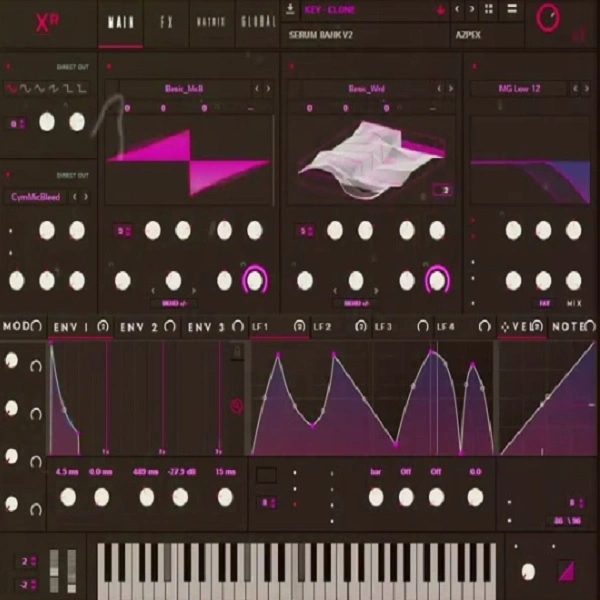
PARALYZED by AZPEX is a collection of 30 Serum presets, offering a wide range of sounds for music producers.
The pack includes:
6 Bass Presets: These bass presets deliver deep, punchy, and resonant low-end frequencies, perfect for creating powerful basslines that drive the energy of your tracks.
7 Key Presets: The key presets offer a variety of tonal qualities, from bright and sharp to warm and mellow, suitable for crafting melodic and harmonic elements in your compositions.
3 Pluck Presets: These pluck presets are ideal for adding rhythmic and percussive elements to your music, with quick attack and decay settings that make them stand out in the mix.
4 Bell Presets: The bell presets provide a range of metallic and crystalline tones, perfect for adding a touch of brightness and clarity to your arrangements.
3 Pad Presets: These pad presets create lush, atmospheric soundscapes, with rich textures and evolving modulations that add depth and dimension to your tracks.
4 Lead Presets: The lead presets are crafted to cut through the mix with their sharp, defined tones, making them ideal for creating memorable melodies and solos.
3 Synth Presets: The synth presets offer a variety of sounds, from classic analog emulations to modern digital textures, providing versatility for any genre of music.
Each preset in this pack has been designed by AZPEX to provide high-quality sound and ease of use, making it a valuable addition to any music producer's toolkit.
Video Preview

Tips
- Layering Bass Presets: Combine multiple bass presets to create a fuller, more complex bass sound. For example, layer a sub-bass preset with a mid-range bass preset to cover a wider frequency spectrum and add more depth to your basslines.
- Modulating Key Presets: Utilize Serum's modulation capabilities to add movement and variation to the key presets. Assign LFOs to parameters like filter cutoff or wavetable position to create evolving sounds that keep your listeners engaged.
- Using Pluck Presets for Rhythmic Elements: Incorporate the pluck presets into your percussion section by using them as rhythmic accents. Adjust the attack and decay settings to fit them seamlessly into your drum patterns, adding a unique texture to your beats.
- Enhancing Pads with Effects: Apply reverb, delay, and chorus effects to the pad presets to enhance their atmospheric qualities. Experiment with different effect settings to create lush, immersive soundscapes that fill out your mix.
- Automating Lead Presets: Use automation to bring your lead presets to life. Automate parameters like pitch, filter cutoff, and effects to create dynamic and expressive lead lines that stand out in your tracks.


