James Hype- Drums
Audio Preview
Description
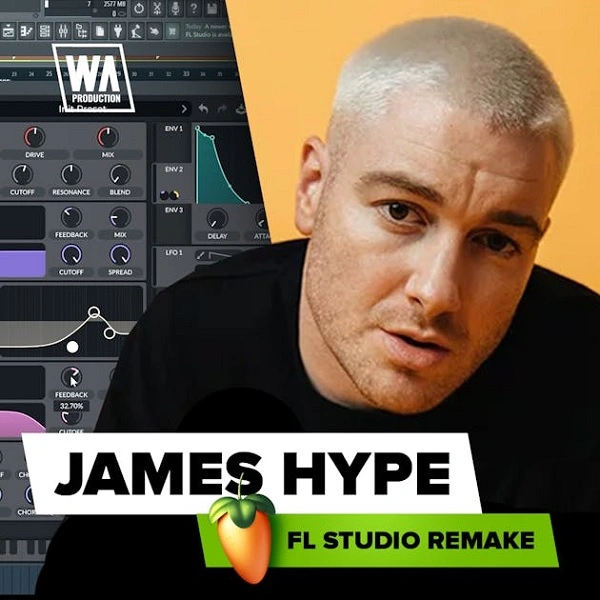
Drums By W. A. Production is an FL Studio template designed to emulate the strong and dynamic drum patterns found in the track "Drums" by James Hype.
This template provides a detailed setup that includes multiple drum elements, allowing producers to break down and understand professional drum production.
The template features a variety of drum loops, one-shots, and percussion elements, all organized within an easy-to-use FL Studio project file.
Each element is pre-arranged to show how different drum sounds can be layered and processed to create a cohesive and impactful drum track.
The template is structured to provide a clear understanding of how to achieve a polished and professional sound.
It includes:Drum Loops: Pre-arranged loops that serve as the backbone of the track, showcasing different rhythmic patterns and variations. One-Shots: Individual drum hits such as kicks, snares, claps, and hi-hats that can be used to build custom drum patterns. Percussion Elements: Additional percussive sounds that add texture and complexity to the drum track. Processing Chains: Pre-configured effects and processing chains that demonstrate how to enhance and shape drum sounds using EQ, compression, reverb, and other effects.
Video Preview

Tips
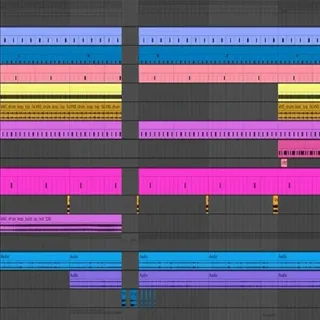
- Analyze the Arrangement: Study the arrangement of the drum loops within the template. Notice how different sections of the track use variations in drum patterns to maintain listener interest and drive the track forward. Use this as a guide for structuring your own drum tracks.
- Experiment with One-Shots: Utilize the provided one-shots to create your own unique drum patterns. Try layering different drum hits and adjusting their volumes and panning to achieve a balanced and dynamic sound. Pay attention to how the template uses layering to add depth and punch to the drums.
- Customize the Processing Chains: The template includes pre-configured processing chains for each drum element. Experiment with these chains by tweaking the parameters or adding new effects to see how they alter the sound. This will help you understand the role of each effect in shaping the final drum sound.
- Incorporate Percussion Elements: Use the additional percussion elements to add complexity and interest to your drum tracks. Try incorporating these sounds in different parts of your track to create transitions and build-ups that enhance the overall energy and flow of the music.
- Use as a Learning Tool: Beyond just using the template for your projects, treat it as an educational resource. Reverse-engineer the drum patterns, processing techniques, and arrangement strategies to gain deeper insights into professional drum production. This knowledge can then be applied to your future projects to elevate your production skills.