James Hype- Drums
Audio Preview
Key Features
- Full FL Studio (.flp) project reconstructing the drum track of James Hype's "Drums"
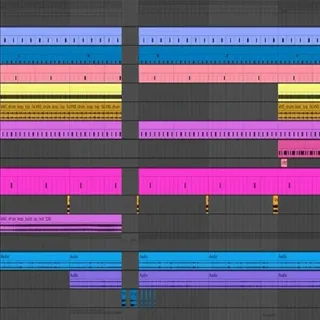
- Pre-arranged drum loops forming the backbone of the arrangement, showing rhythmic variations across the track
- Individual one-shots — kicks, snares, claps, and hi-hats — available for building custom patterns
- Additional percussion elements for texture and complexity, layered the way they appear in the original
- Pre-configured processing chains with EQ, compression, reverb, and other effects demonstrating professional drum shaping
- All sounds sourced from W. A. Production royalty-free sample packs
Description
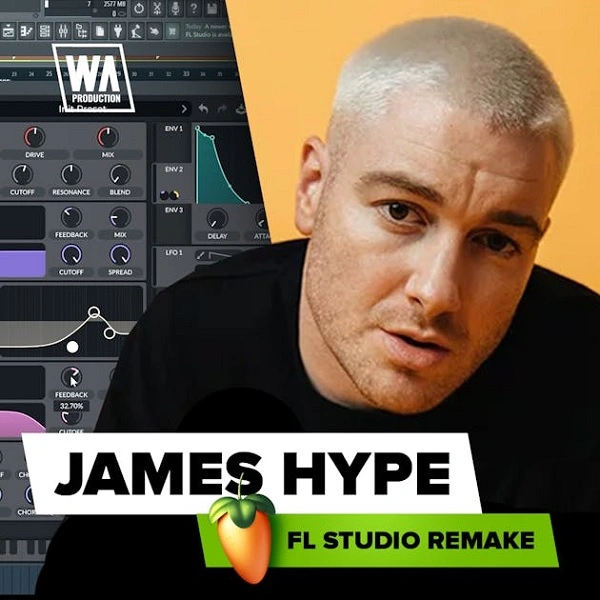
James Hype – Drums is an unofficial FL Studio remake by WA Production, reconstructing the drum-forward sound design and high-energy rhythm of the acclaimed 2023 house track by James Hype.
The project includes pre-arranged drum loops that serve as the backbone of the track. Individual one-shots — kicks, snares, claps, and hi-hats — are also included so you can build custom patterns from the ground up or swap elements into the existing arrangement.
Additional percussion elements add texture and complexity throughout the project. Each drum sound is pre-processed with EQ, compression, reverb, and other effects, letting you study the complete signal chain behind a punchy, release-ready drum sound.
All included sounds are sourced from WA Production's royalty-free sample packs, and they are fully cleared for use in your own original productions. The template is purely an educational resource — it is not an official release by James Hype or his label.
Video Preview

Tips
- Analyze the Arrangement: Study the arrangement of the drum loops within the template. Notice how different sections of the track use variations in drum patterns to maintain listener interest and drive the track forward. Use this as a guide for structuring your own drum tracks.
- Experiment with One-Shots: Utilize the provided one-shots to create your own unique drum patterns. Try layering different drum hits and adjusting their volumes and panning to achieve a balanced and dynamic sound. Pay attention to how the template uses layering to add depth and punch to the drums.
- Customize the Processing Chains: The template includes pre-configured processing chains for each drum element. Experiment with these chains by tweaking the parameters or adding new effects to see how they alter the sound. This will help you understand the role of each effect in shaping the final drum sound.
- Incorporate Percussion Elements: Use the additional percussion elements to add complexity and interest to your drum tracks. Try incorporating these sounds in different parts of your track to create transitions and build-ups that enhance the overall energy and flow of the music.
- Use as a Learning Tool: Beyond just using the template for your projects, treat it as an educational resource. Reverse-engineer the drum patterns, processing techniques, and arrangement strategies to gain deeper insights into professional drum production. This knowledge can then be applied to your future projects to elevate your production skills.
Frequently Asked Questions
Which version of FL Studio is needed to open this template?
The template is an FL Studio project (.flp) created by W. A. Production. It should open in FL Studio 20 or later without issues. If you're on an older version, some effects or plugin states may not load correctly.
Does this template require any third-party plugins?
The project uses sounds from W. A. Production's sample packs and FL Studio's native processing. No specific third-party synths are required — all the drum sounds are audio samples. If prompted about missing samples, redirect FL Studio to where you extracted the download.
Is this an official James Hype release?
No — this is an unofficial educational remake by W. A. Production, not affiliated with James Hype or his label. It's designed as a learning resource to help producers understand the drum production techniques used in the original track.
Can I use the drum samples in my own releases?
Yes. W. A. Production's included samples are royalty-free and cleared for commercial use in original productions. The arrangement itself is a remake, so you should create your own track structure rather than releasing the template as-is.